A fast-food counter is only as efficient as the technology it houses. Haphazardly placing Point of Sale (POS) terminals on top of a finished counter creates chaotic cable nests, limits usable workspace, and creates physical barriers between staff and customers.
Hardware Mounting Systems
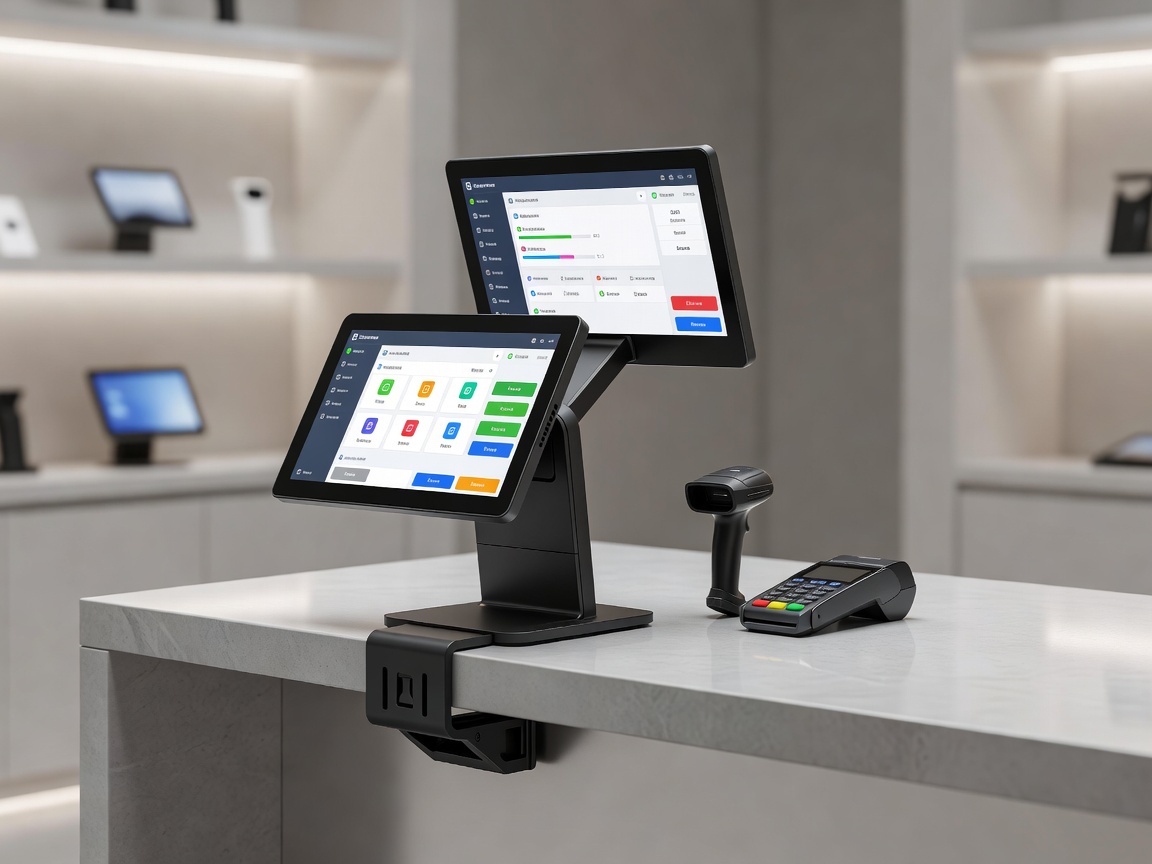
Lifting technology off the horizontal counter surface fundamentally changes the spatial dynamics of the transaction zone. The standard approach involves utilizing structural mounting poles anchored through the counter substrate.
Using standard VESA mounts (Video Electronics Standards Association), touchscreens can be attached to articulated arms projecting from a single vertical mast. This system offers several operational advantages. First, it reclaims the counter real estate underneath the screen for handing over trays or counting cash. Second, it allows employees of varying heights to easily tilt and pan the screen to eliminate overhead glare and maintain a comfortable viewing angle.
Concealing Cable Management
Modern POS setups require power, ethernet, cash drawer triggers, and peripheral data cables. Running these across the counter is a violation of health and safety standards, posing both electrical and tripping hazards. Strategic cable management must be engineered into the counter before fabrication.
- Grommet Holes: Precision-cut penetrations in the counter surface directly beneath the POS mounting pole. These should be fitted with rubberized grommets to prevent cable fraying against sharp substrate edges and to block spilled liquids from draining into the cabinetry below.
- Sub-counter Raceways: Instead of letting cables dangle freely under the counter, horizontal wire management raceways (often standard PVC or aluminum channels) should be mounted to the underside of the counter. This keeps cables elevated away from the cash drawer mechanism and storage shelving.
Customer-Facing Display Placement
Dual-screen setups are now standard in the QSR industry, providing the customer with an itemized digital receipt and promotional messaging. However, placing a tall secondary screen directly in front of the customer obstructs eye contact, diminishing the hospitality experience.
To integrate customer displays effectively, they should be mounted on a lower horizontal arm, offset to the side of the main terminal, or integrated directly into a recessed bezel on the front face of the counter. The top edge of the customer display should not exceed the chest height of an average standing adult, ensuring the employee's face remains fully visible.
Integrating Peripherals
The receipt printer and payment terminal (card reader) represent the most manipulated pieces of hardware during a transaction.
Thermal Receipt Printers: Traditional placement sets the printer beside the monitor, consuming 6 to 8 square inches of prime reach-zone space. Advanced integration involves mounting the printer beneath the counter, feeding receipts up through a specialized slot in the surface, or mounting it sideways on the primary VESA pole assembly.
Payment Terminals: Card readers must be accessible to customers, secure from theft, and compliant with accessibility reach standards. Using a pivoting, tamper-resistant stand mounted to the customer side of the counter ensures security while allowing the terminal to tilt down for individuals using wheelchairs.